Parental controls that actually hold

Safe internet for the whole family. Set up for you.

SnugNet is a pre-configured router plus managed filtering that protects every device on your home WiFi โ€” phones, tablets, TVs and consoles. No tech skills required.

Get SnugNet โ€” ยฃ249 See how it works

Works with any UK broadband provider ยท No engineers ยท No jargon

A parent and child sharing a tablet together on the sofa at home

Parental controls have a hole โ€” and kids know where it is.

Most home filters only work if your child uses your DNS settings.

Change one setting on a phone or Chromebook โ€” or switch on a VPN โ€” and every block disappears. That's exactly what tech-savvy kids do, and most parents never find out.

SnugNet was built by a parent who watched it happen in real time. Our router enforces safe DNS at the network level, so the usual bypass tricks simply don't work at home.

What SnugNet does

One small box. Every device protected. Zero tech skills needed.

๐Ÿ›ก๏ธ

Whole-home protection

Every device on your WiFi is covered automatically โ€” phones, tablets, smart TVs, consoles. Nothing to install on each device.

๐Ÿšซ

Blocks the bad stuff

Adult, gambling, violence and other harmful sites filtered for the whole household. You choose extras: YouTube, TikTok and social media on or off.

๐ŸŒ™

Bedtime & homework schedules

The internet pauses itself at bedtime; focus hours for homework. Set once, forget it.

๐Ÿ”’

Bypass-proof by design

Changing DNS settings, Private DNS or VPN workarounds won't get around it. The holes other filters leave open are closed.

๐Ÿ‘จโ€๐Ÿ‘ฉโ€๐Ÿ‘ง

Per-child rules

Different ages, different rules. Each child's devices get their own settings.

๐Ÿค

Managed for you

We configure everything, keep the filters updated and handle the tech. You never touch a setting.

A child focused on homework while entertainment is paused
Focus mode

Homework time means focus time.

Tell us your children's study hours โ€” say 4โ€“6pm on school days โ€” and SnugNet automatically pauses all the entertainment on their devices when study time starts: YouTube, TikTok, games, streaming.

School websites and homework tools keep working. And your devices stay completely untouched โ€” the pause applies to the kids only, so you can carry on working or relaxing as normal.

Exam season and need longer quiet hours? One email and we'll adjust it โ€” the managed plan includes one settings change per month, so your setup stays flexible as your family grows.

How it works

From order to protected in three simple steps.

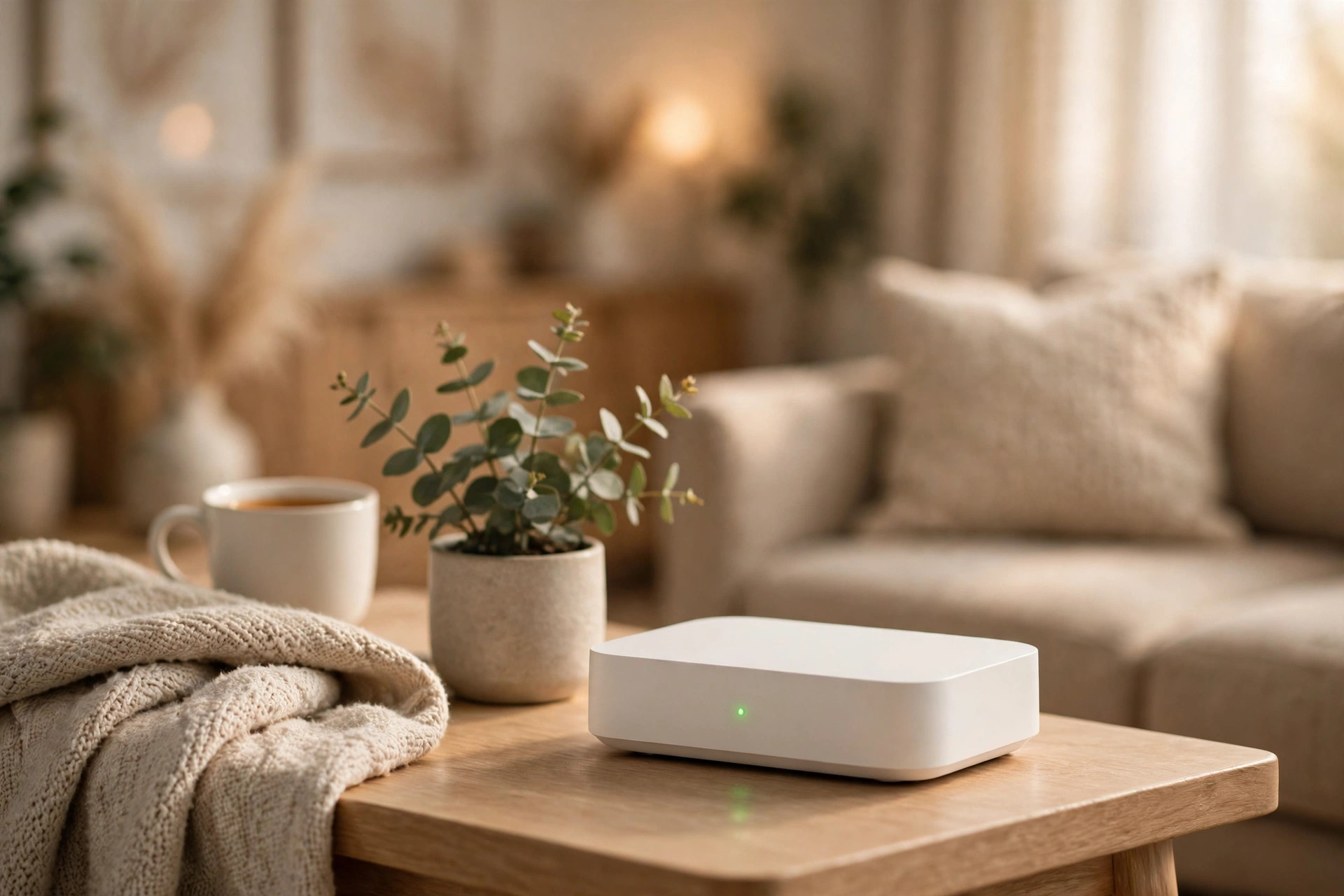
The SnugNet router on a side table in a cozy living room

Order

Pick the bundle that suits your family. That's the hardest part โ€” and it takes a minute.

We ship

Your router arrives pre-configured, tested and ready to go. No assembly, no settings to figure out.

Plug in

Connect it to your existing broadband router. Done in minutes, with email onboarding to walk you through it.

Simple, honest pricing

One box. One managed service. No surprises.

SnugNet Router

ยฃ199
one-time ยท no managed service included
  • Pre-configured router
  • Delivery to your door
  • Email onboarding walkthrough
  • You manage the settings yourself
Choose Router

SnugNet Managed

ยฃ99/yr
or ยฃ9/month ยท existing customers only
  • Always-updated filters
  • Bypass-protection updates
  • One settings change per month
  • Email support whenever you need it
Choose Managed

After year one: just ยฃ99/year (or ยฃ9/month). Cancel anytime โ€” the router keeps working as a normal router.

Questions parents ask

Straight answers, no jargon.

Will it slow down my internet?

No. Filtering happens at the DNS level โ€” there's no noticeable speed difference.

Does it work with my broadband?

Yes. SnugNet works with any UK provider โ€” BT, Sky, Virgin Media, Vodafone and the rest. It plugs into the router you already have.

What about mobile data?

SnugNet protects your home WiFi. On mobile data, use your phone's built-in parental controls โ€” we'll show you how during onboarding.

What about school-issued devices?

School devices are managed by the school and sit outside what we can control on the device itself. But at home on your WiFi, our router still filters their traffic.

What if my child uses a VPN?

Installing VPN apps needs your approval through your phone's parental controls โ€” and SnugNet blocks the common VPN and proxy workarounds at the network level.

What do you see about my family?

Only the anonymised, aggregated statistics needed to run the service โ€” like blocked-site counts. Never the content of anyone's browsing. SnugNet is designed UK GDPR-first, and children's data gets the strictest handling.

Can I change my settings later?

Yes. The managed plan includes one settings change per month โ€” new bedtimes, exam-season focus hours, blocking or unblocking a site, and so on. Just email us and we'll take care of it.

What happens after the first year?

Just the ยฃ99/year managed plan โ€” or ยฃ9/month if you prefer. Cancel anytime.

Get in touch

Questions? Want SnugNet for your family? Drop us a line โ€” we reply personally.

A child sleeping peacefully while SnugNet pauses the internet at bedtime

Give your family safer internet โ€” without becoming an IT expert.

Join the parents who stopped worrying about what's one click away.

Get SnugNet โ€” ยฃ249 first year